
Incremental Array
| Function Syntax | incarray / incarrayd (dynamic) |
| Current Version | 1.9 |
| Download | IncArrayV1-9.lsp |
| View HTML Version | IncArrayV1-9.html |
| Compatible with AutoCAD for Mac? | No |
| Compatible with AutoCAD LT? | Yes |
| Donate |
Program Description
This program will array a selection of objects, whilst automatically incrementing any numerical content found in annotation objects within the selection by a given increment value.
The program has two modes of operation: standard & dynamic. The standard command: incarray will not display the dynamic preview, but in turn will run faster and smoother than the dynamic version - this difference is especially significant when attempting to array a large number of objects.
The dynamic mode: incarrayd will display a preview of the arrayed objects as the mouse is dragged across the screen. However, due to the method used to generate this preview, this mode is only suitable when using the program to array a small number of objects.
Upon starting the program, the user is first prompted to specify an increment value; this increment value is remembered by the program and is available as a default option for the next use of the program.
The user is then prompted to make a selection of objects to array; this selection may include any drawing object with the exception of viewports - if the selection does not include any annotation objects, the program may be used as an alternative to create a standard array.
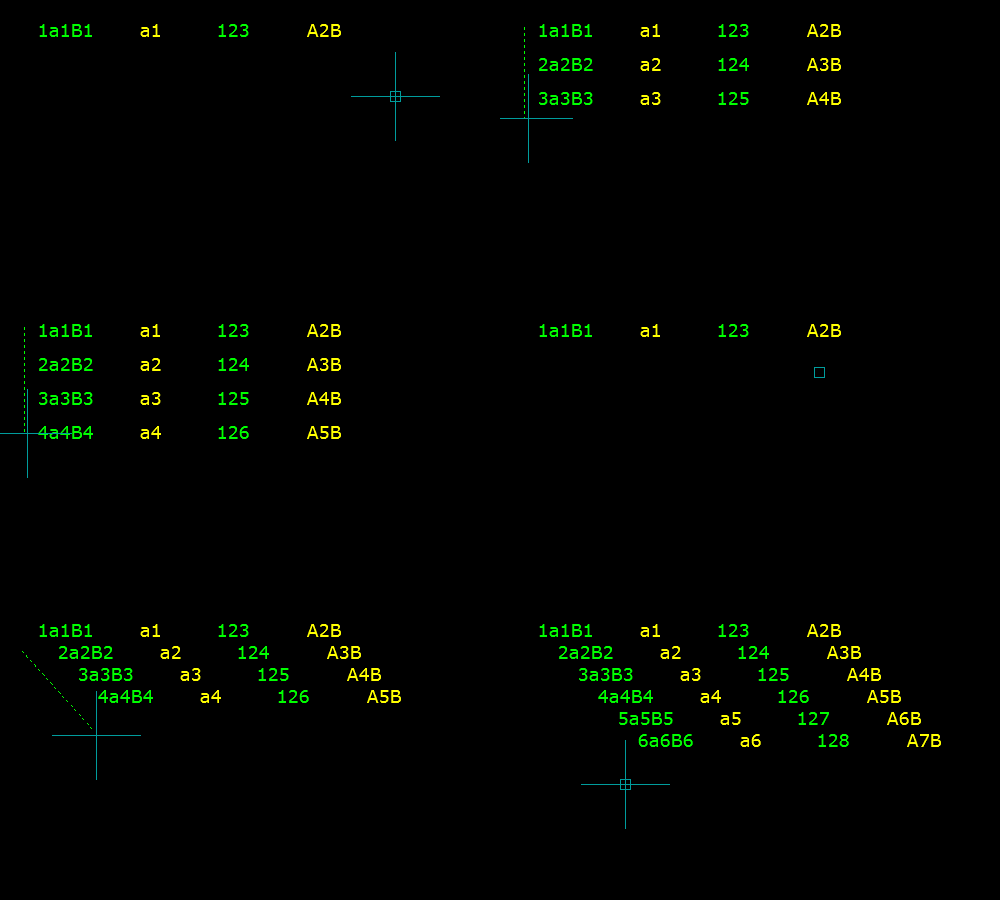
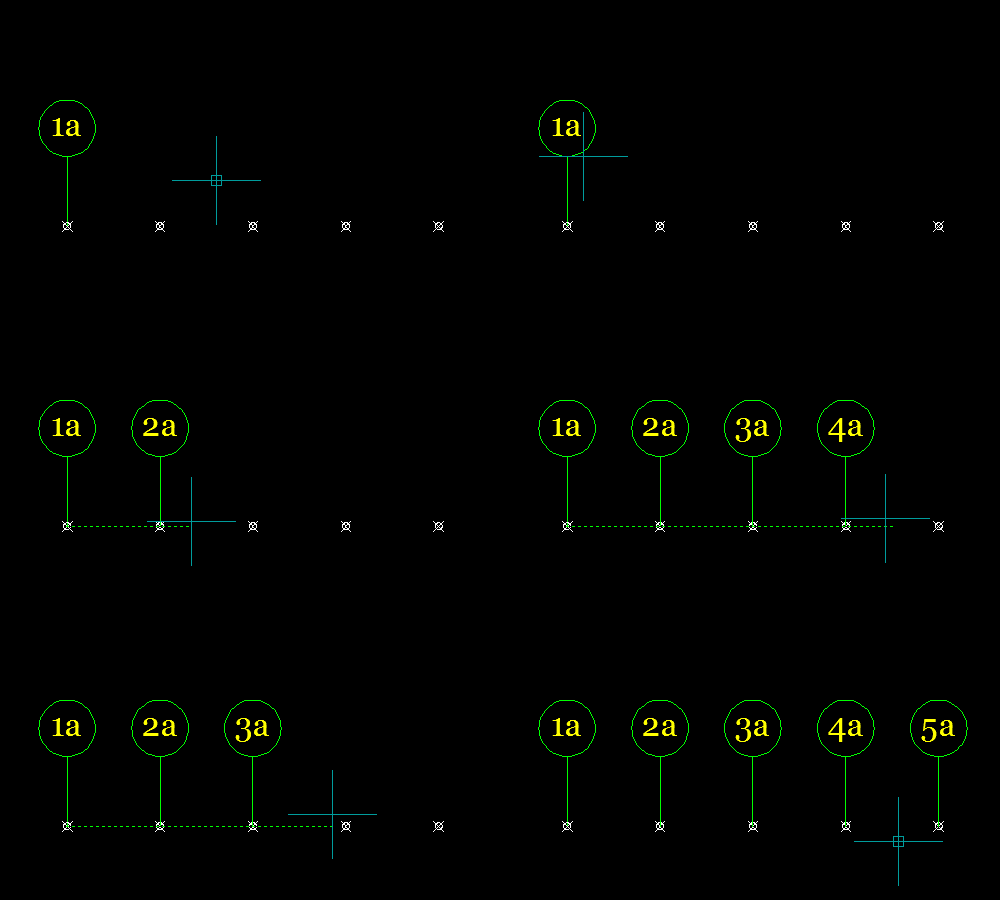
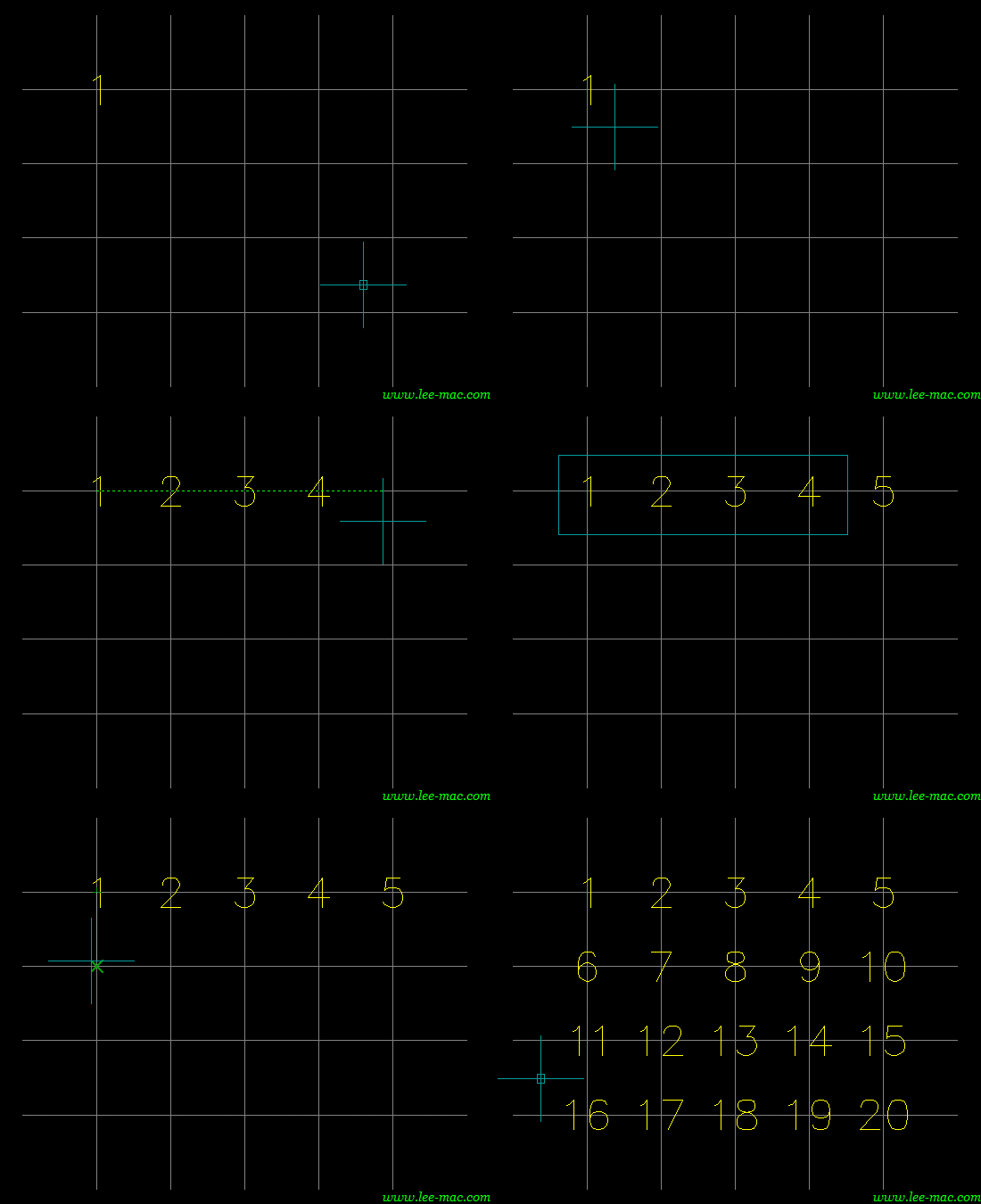
Following a valid selection, the user should specify a base point and an array vector relative to the base point. The angle and length of this vector will determine the direction and density of the array respectively; a shorter vector will result in a denser array, as demonstrated by the animations below.
After these prompts, the array may be generated by moving the mouse across the screen until the array reaches a desired size. If the object selection includes Text, MText, Attribute Definitions, Dimensions, or Multileader objects, any numerical data found in the text content of these objects will be automatically incremented by the given increment value as the object is arrayed.
Examples of Usage
Instructions for Running
Please refer to How to Run an AutoLISP Program.